
Is there an app where you swipe through games like TikTok?
Yes, playable game feeds exist. Compare swipeable arcades and creator feeds, see real examples, and check controls, saved progress, pricing and offline access.
Published · Updated · 4 min read
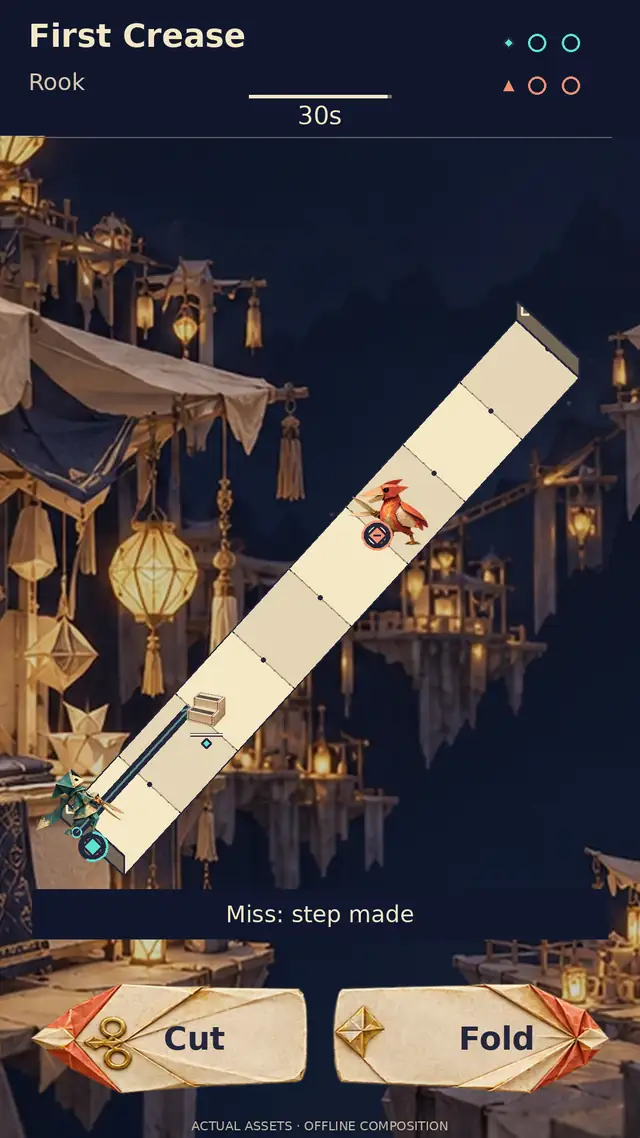
Yes. Reel Games and Swipe2Play use a vertical feed to let you discover mini-games, while Riffle presents interactive posts from creators. “Like TikTok” describes the familiar swipe-to-the-next-item interface here. The important difference between these apps is what each item contains and whether you want to revisit a game or keep discovering new creations.
Start by choosing what you want from the feed: familiar games and personal progress, new creations from other people, or a mix of both. Creation and remixing add another question: do you want to change a game you discover and share your version?
A swipeable arcade: Reel Games
Reel Games is available for iPhone and iPad. It combines a free starter selection with a Pro subscription for the full library. The developer’s release notes describe search, favorites and recently played games alongside the feed. Those features matter if you discover something you want to play again instead of relying on another lucky swipe.
Its official feed guide describes games installed on the device, offline play, and online leaderboard syncing. Treat return-within-the-feed and saved progress after reopening the app as separate things to check.
A competitive arcade: Swipe2Play
Swipe2Play’s iPhone and iPad listing describes a rotating game reel, individual game leaderboards and weekly collectible rewards. It offers a free download with optional subscriptions. The Premium section lists ad removal and offline play as subscription features, so check the current plan if either is essential to you.
The official site also offers two browser games to try. It explains that the “10000 Offline Games” store title is not a count of distinct games. Its emphasis on rankings and weekly rewards is worth considering if you want competition across several games.
A creator feed: Riffle
Riffle is listed as a free iPhone app. Its publisher describes AI-assisted creation, interactive posts, remixing and shared links that people can open in a browser. The App Store also identifies user-generated content and messaging. This is a candidate if discovering people’s experiments or making your own playable posts is part of the appeal.
We could not confirm offline support from Riffle’s official pages. If playing without a connection matters, verify that before relying on it. For a creator platform, also check the current age rating, content controls and privacy information against your needs.
What should happen when you swipe?
A playable feed has to distinguish browsing from playing. A swipe might change the game, while a tap or another gesture controls the current one. Before getting attached to a score, try a few deliberate inputs and learn where each action belongs.
- Can you browse to the next game without accidentally making a move?
- Is it clear when a game is ready for input?
- Can you find a control hint again after dismissing it?
- Does switching games pause an attempt, save it, or end it?
There is no need for every app to use identical controls. What matters is that the behavior is predictable enough for you to concentrate on playing. If you often trigger navigation when you meant to act, another game or input scheme may be more comfortable.
Check the route back to a favorite
A feed is useful for discovery, but you may eventually want one particular game. Try finding it by name, saving it as a favorite, or using a recently played list. Close the app and look for it again. Check whether you get the same game, the same unfinished attempt, or simply your previous best score.
Then decide how much discovery you want in a session. You could browse until one game interests you, play a round, and leave. A feed’s ability to keep presenting new items does not set a useful stopping point for you.
If you mainly want several games in one download, our mini-game collection guide compares that broader choice. If you need to stop as soon as your break ends, use the five-minute game checklist.
Poppivo’s planned playable feed
Poppivo is launching soon with plans for a swipeable community-created games feed. Portrait, one-thumb play remains the foundation: taps and horizontal controls would belong to the game, while a fresh vertical swipe would browse to another. As the feed grows beyond in-house concepts, each creation would need understandable controls and a clear way to return to it.
The roadmap includes Claude-assisted prompt creation, discovery, and personalized campaigns or challenges, alongside tools to remix and share games. The artwork shows our in-house starting concepts. Explore the concept seeds and join the waitlist for launch news.
Publisher pages and US App Store listings checked October 7, 2026. Features, prices and device availability can change; review the current listing before subscribing.
Sources
Related reading
Is there an app with lots of mini-games in one place?
Three collections to consider, plus a practical way to choose for variety, cost and progress.
Published · Updated · 4 min read
What mobile games can you play for five minutes and stop?
A few puzzle moves or part of a longer adventure can fit a short break when the game lets you leave safely.
Published · Updated · 4 min read
What is Poppivo? A planned feed for playing, creating and remixing games
Poppivo is launching soon with plans for a community-created portrait games feed, one-thumb play, and Claude-assisted creation, discovery and challenges.
Published · Updated · 4 min read