
How to choose one-handed mobile games for short breaks
Check reach, controls, stopping points and replay value in one-handed mobile games, then explore Poppivo’s planned community-created portrait games feed.
Published · Updated · 3 min read
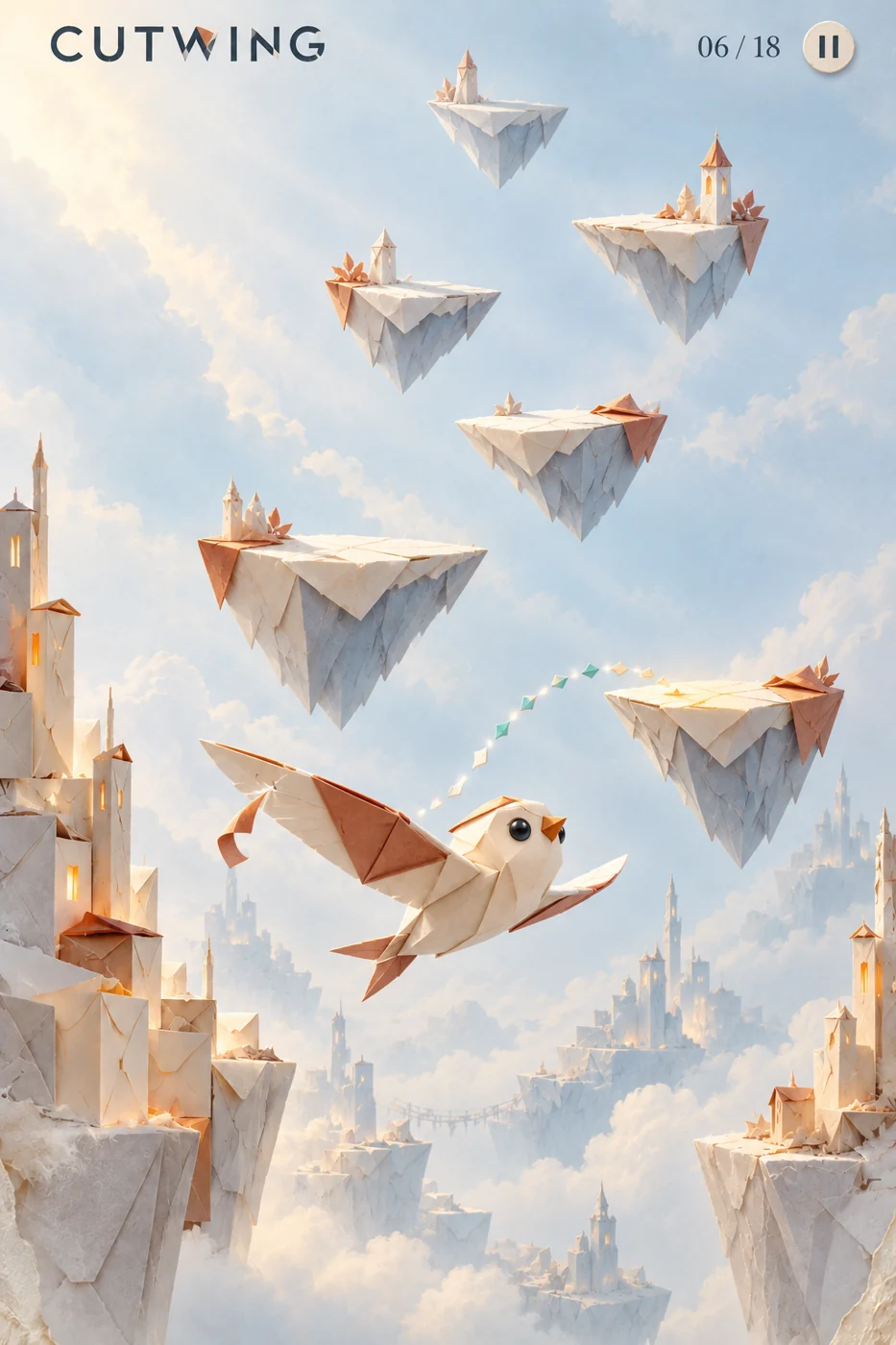
A good one-handed mobile game fits both the hand holding your phone and the time you have to spare. Portrait mode is a useful start. Whether you are trying a publisher’s game or someone’s shared creation, the important questions are whether you can reach the controls, understand the goal and stop when you need to.
If you’re choosing something for a queue, a train ride or a break between tasks, use these five checks.
1. Check a whole round, not just the first screen
Hold your phone the way you normally would. Try the game’s main action, then look at where the next action happens. Can you keep the same grip, or do you have to reach across the screen?
Include the menus in your test. A game might use one thumb during play but put restart, pause or confirmation buttons somewhere awkward. A portrait screenshot alone cannot tell you whether the full experience works comfortably with one hand.
2. Find the stopping point
A short game and an easy-to-stop game are different things. Before committing to a run, find out what happens when you leave it. Can you pause? Does it keep your place? Will you need to begin again?
For an unpredictable break, look for a game that makes those answers clear. If you have time to finish a challenge, a level or campaign goal can give the session a natural endpoint. If you want repeated attempts, an endless mode may suit you better. Check interruption and saving behavior in the game you actually install.
3. Match the challenge to your mood
Simple controls do not always mean a gentle game. A single tap can still require careful timing, and a one-finger puzzle can still take concentration.
Look at what the game asks you to do, rather than judging only by its controls. Choose a timing challenge when you want to react, or a slower decision-based game when you want room to think. For a community creation or remix, inspect its own preview and instructions: familiar artwork does not establish that its rules match another version.
4. Check what brings you back
Progress can mean finishing a level, clearing a campaign or making another attempt at a familiar challenge. Decide which of those you enjoy.
It is also worth checking for energy limits, daily tasks and streak rewards. Those features may suit someone who wants a routine. If you only want to play when you have a spare moment, find out whether skipping a day changes the experience.
5. Test the parts your break depends on
If you will be playing with the sound off, check whether the game explains important events visually. If your journey loses signal, test the game without a connection before leaving. If your break ends suddenly, test what happens when you close and reopen it.
These checks tell you more than a label such as casual or quick. The right game is one whose practical limits fit the way you will use it.
What Poppivo is designed for
Poppivo is launching soon with plans for a swipeable feed of community-created portrait games. One-thumb play and a deterministic engine provide the foundation for original ideas, prompted creation and remixes. Planned Claude-assisted discovery, personalized challenges and hints should help people find their way into a game while keeping its main action understandable.
Our authored campaigns and optional endless modes are part of that foundation. The gallery currently shows in-house concept seeds, including CUTWING, BENDLIGHT, SKYFALL and SCRAPHOUND. Explore the artwork and join the waitlist for news about the planned games and creation tools.
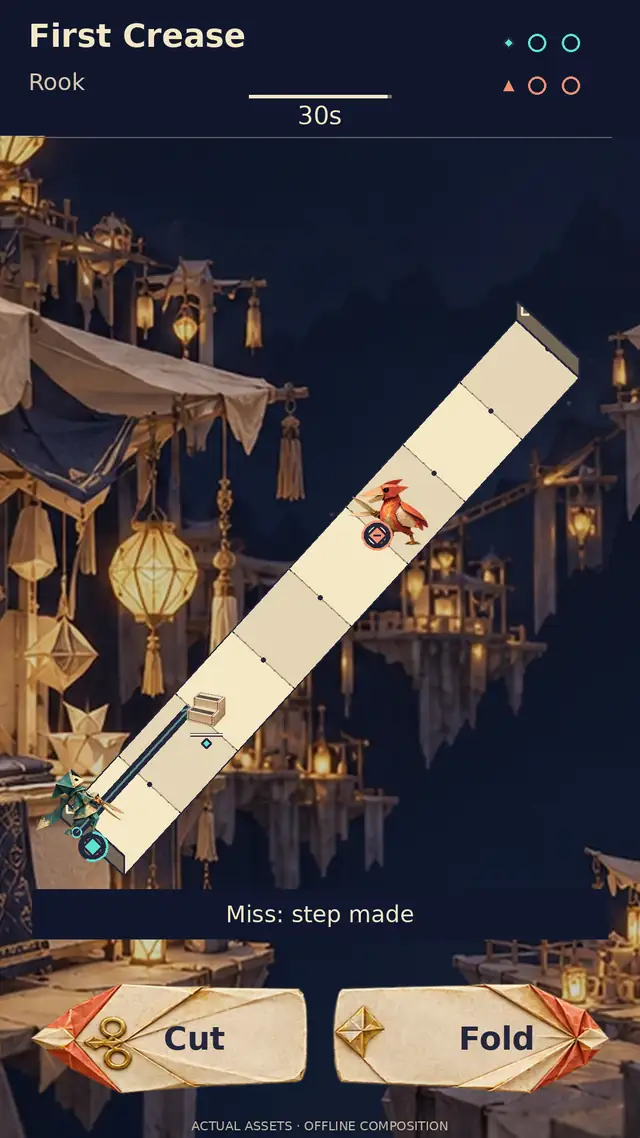
For a concrete one-tap example you can play now, read the CUTWING controls guide. The browser demo is available while the wider mobile and creator product is still planned.
Related reading
Readable mobile game UI: designing for a small portrait screen
Readable portrait-game design for Poppivo’s planned community feed: clear shapes, useful contrast, legible hints and phone-sized checks for creations and remixes.
Published · Updated · 4 min read
Is there an app where you swipe through games like TikTok?
Playable feeds range from collections of arcade games to interactive posts made by creators. Here is how to tell which you want.
Published · Updated · 4 min read